

QUOTTE
Quote automation for judicial scriveners
Quotations, without the wait.
AI reads the request email and the attached certificates, then drafts a quotation under your office's own fee rules. Review and send — your client never waits.
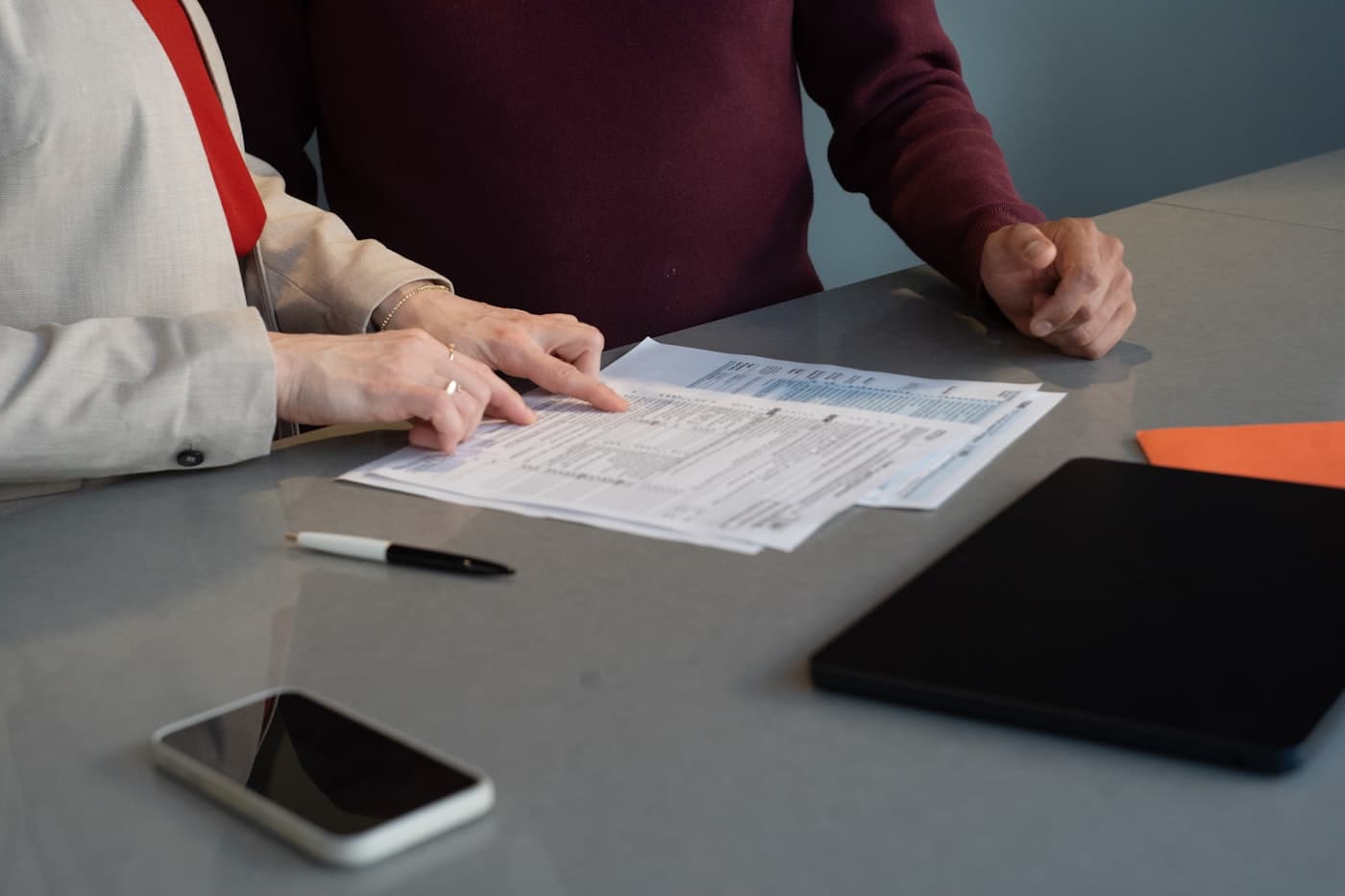
Sound familiar?
Has writing quotations become the job you postpone?
01
Read the request email, open every attached certificate
02
Pick out assessed values, check them against the fee table
03
Re-type into the template and attach it to a reply
04
Daytime goes to meetings and filings — quotations wait for overtime at night
The slower the reply, the more requests drift elsewhere.
From arriving email to finished quotation.
A request email becomes a case
QUOTTE reads emails arriving at the office and lines them up as cases — attached tax and registry certificates come along as they are.

AI reads and calculates by your rules
Assessed values and property details are extracted, then registration tax and fees are calculated under your office's own rules, grounds shown alongside.

Review the PDF, then reply
The quotation PDF comes out in your office's format. Confirm the numbers and the reply is ready to send.

Six reasons offices choose it.
Email-driven automation
One flow from receiving the request to sending the quotation.
Reads certificates as-is
AI reads tax and registry certificate PDFs and extracts values and property details.
Your fee rules
Registration tax and fees computed under each office's own rules, registered at onboarding.
Your format
The quotation PDF uses your office's own format — nothing unfamiliar for clients.
We hold nothing
Mailbox and drive stay yours. No documents remain on our servers.
Review before sending
Nothing goes out automatically. Confirm amounts and content first — built for professional practice.
Getting started
- 1
Contact us
By form or email.
- 2
Demo
Watch the flow from email to quotation, live.
- 3
Setup
We register your fee rules and quotation format.
- 4
Go live
Into daily use, with support after launch.
Materials & Contact
Pricing is quoted individually by office size and usage. Request materials or a demo by form or email.
FAQ
- Can we keep our current quotation format?
- Yes — register the format you already use, as-is.
- Where are client documents stored?
- They stay in your office's mailbox and drive; we never hold them.
- Our fee rules are complicated — can it cope?
- We take down your rules at onboarding, including branches by property type and conditions.
Speed of quotation becomes the reason you're chosen.
Become the office that replies the same day. See the real flow in a demo first.
Contact us